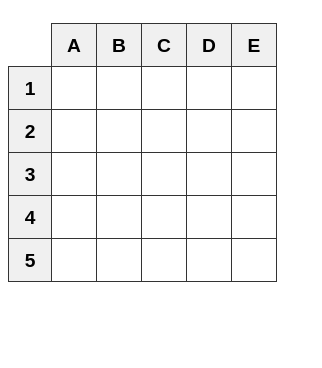
Below is a link to some sample code ChatGPT generated. The sample is a little Python3 program that generates a 5 X 5 grid on my local desktop. The program follows the usual Python Flask setup.
https://tombtalk.net/Chat_GPT/samplecode/five_by_five_grid.html
Programming the Civil War Routing Code Generator
The next link is to a 12 X 12 grid which ChatGPT wrote in PHP, HTML, and JavaScript. PHP is the only language readily available on my server at hosting.com although there are others available but with annoying difficulty.
http://tombtalk.net/dual_grid_12/
This code you can link to and enter data as it is live but can’t hurt anything. If you want to view the code created, right click on the display and select view source. To go deeper right click on script.js at the very bottom.
The time frame between me without CHATCPT is a week or so to get to the some acceptable code. With CHATGPT there were several days of specifying what I wanted CHATGPT to generate. Things like the backspace key should go back to the next row and if a lower case letter is entered, make it upper case. Eventually all the requirements were sorted out. The first version of CHATGPT I worked with tended to throw code away as things got more complicated. They kept updating the model so that now I’m using GPT-5. I expect the versions to change every few days. The routing table works. If you look at the transfers you will see column 1 is copied into row A , etc. You can enter your own sequence and transfer according to your whim. The individual rows and columns must be unique but can be in any order. The Routing Table will not load from the file though and ChatGPT has refused to correct things. Columns could have loaded ascending or descending and rows could have been written to either from the left or the right.
Conclusions:
Put up a simple program: In this case PHP, HTML, JavaScript and get it working. Because ChatGPT has an inclination to drop essential code ask it from that point on to do nothing but subroutines with known input parameters, rigorous internal code, and a defined return. Do not tell ChatGPT to integrate the subroutine but instead add the subroutine to your code and examine the input and output. Consider asking ChatGPT to integrate the subroutine into your completed code set and replace existing code. Test everything thoroughly. Expect to be disappointed with the results. Better yet upload your code with the integrated subroutine and test it within ChatGPT. Clearly, a difficult environment.